Moments
The Moments feature lets you record gifts and memories for special occasions.
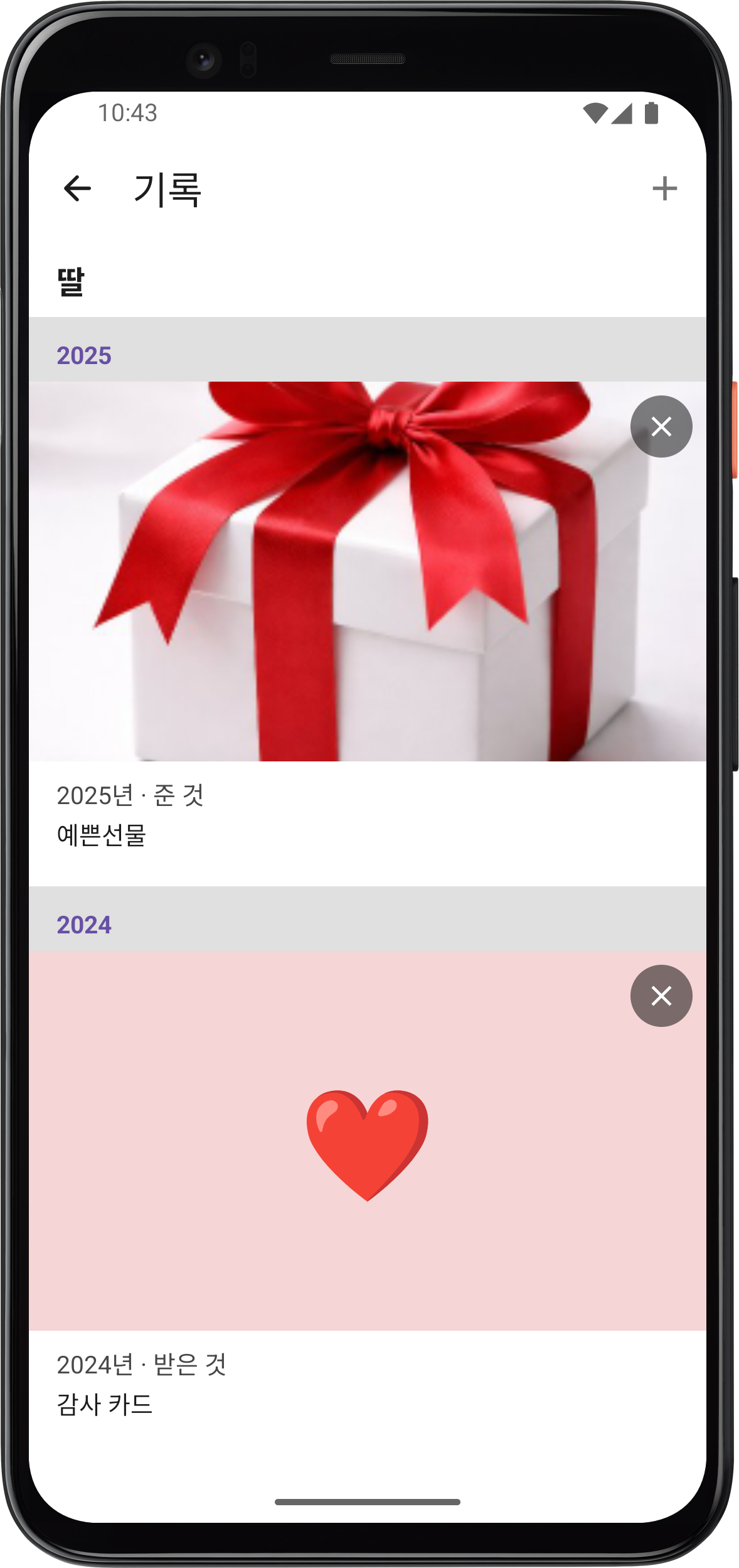
Adding a Moment
- Tap a person on the age map to open their details.
- In the Moments section, tap Add.
- Enter the following information:
- Year
- Title (e.g., Birthday Gift, Christmas)
- Memo
- Direction — Given or Received
- Icon — 🎁 Gift, 💰 Cash, ❤️ Heart, 🎂 Cake, 💌 Letter, etc.
- You can attach a photo.
Viewing Moments
View moment records organized by year in the person's detail screen.
- Given and received items are displayed separately.
- Records with attached photos are shown with their images.
Editing/Deleting Moments
- Tap a recorded moment to edit its title, memo, photo, icon, etc.
- Records that are no longer needed can be deleted.