Group Management
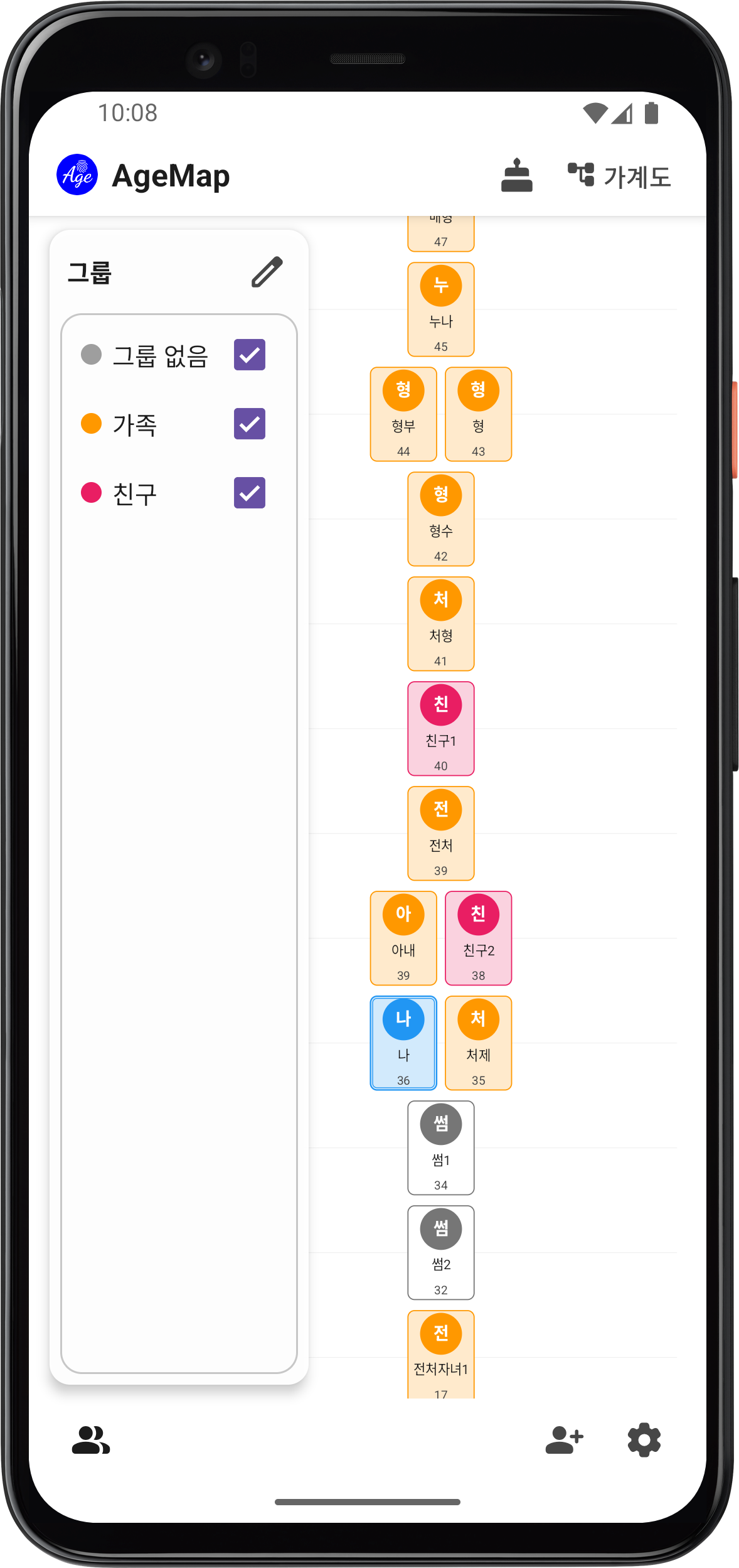
Use groups to organize people into categories like Family, Friends, Work, and more.
Creating a Group
- Open the group panel on the right side of the main screen.
- Tap New Group in the group management screen.
- Enter a group name and choose a color.
Adding People to Groups
- When adding or editing a person, select groups using checkboxes.
- A person can belong to multiple groups at the same time.
- You can also add or remove members from the group detail screen.
Group Filtering
Toggle group checkboxes in the right panel of the age map to show only the groups you want.
Editing/Deleting Groups
- Edit — Change the group name or color in the group management screen.
- Delete — Deleting a group only removes the group itself; people in the group are not deleted.
- Reorder — You can change the sort order of the group list.
Group Colors
Assign a unique color to each group. Person cards on the age map will be displayed with the color of their group.
Preset Groups
Use the preset browse feature to load pre-configured group templates. Quickly set up groups without creating them one by one.