Birthday Reminders
Get push notifications when registered people's birthdays are approaching.
Setting Up Reminders
- Go to Settings.
- Turn on Birthday Reminders.
- Set the notification time (e.g., 9:00 AM).
- Choose the reminder range.
Reminder Range
You can receive reminders at the following intervals:
- D-30 — 30 days before the birthday
- D-7 — 7 days before
- D-1 — The day before
- D-day — On the birthday
Multiple ranges can be selected at the same time.
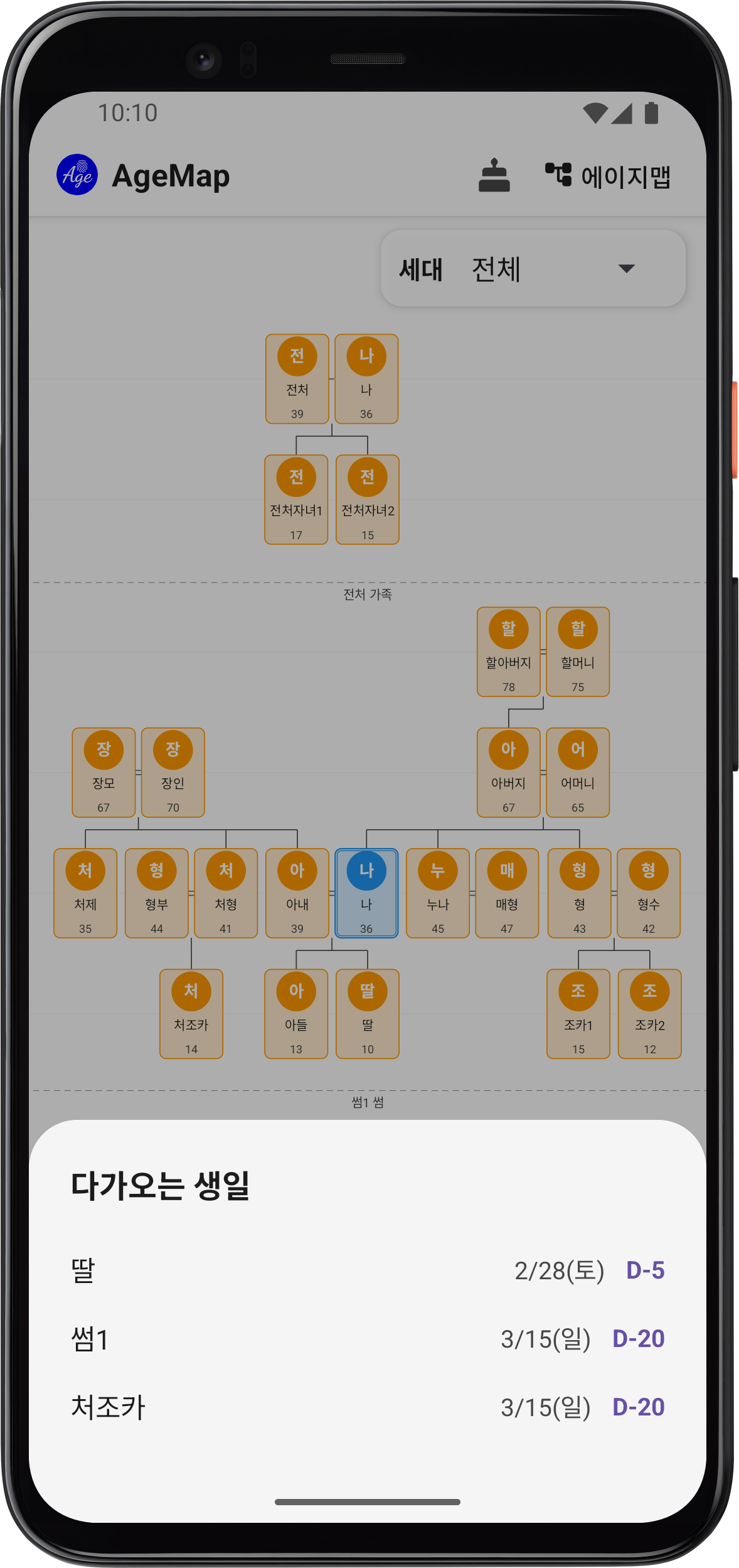
Checking Upcoming Birthdays
Tap the birthday reminder button at the top of the main screen to see a list of upcoming birthdays.
Notes
- Reminders will arrive at the set time even after closing the app.
- Lunar birthdays are automatically converted to solar dates for accurate reminders.
Troubleshooting
- Android 13+ — You must grant notification permission after installing. Check Settings → Apps → AgeMap → Notifications.
- Battery optimization — Some devices may block notifications due to battery optimization. Go to Settings → Battery → AgeMap and set to "Unrestricted".