

Korean Numbers
For people who can read a number but freeze when it's time to say it. Every number is shown in Korean and in English, side by side, and read aloud in both with your device's voice.


- No sign-up
- Korean and English side by side
- Uses device voices (TTS)
Five categories
Numbers, ordinals, fractions,
dates, times — Once · Auto
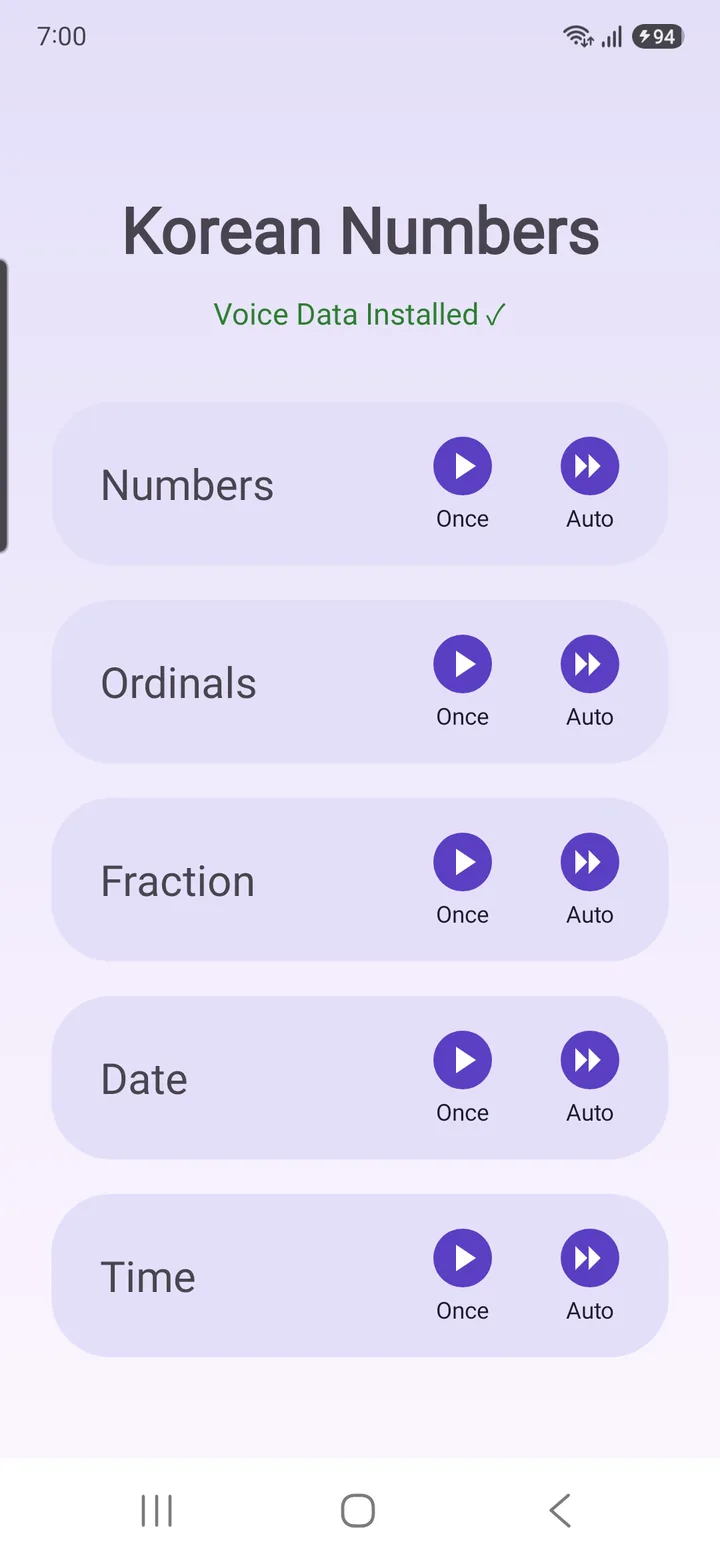
The digits are the same everywhere — but saying them out loud follows different rules, and that's where you stall. Pick one of five categories from the home screen, then listen one of two ways.
- Once — type any value and hear it read once
- Auto — let the number count up on its own and listen on repeat
- The top of the screen shows whether voice data is installed
Auto
Not a quiz:
relaxed, repeated listening
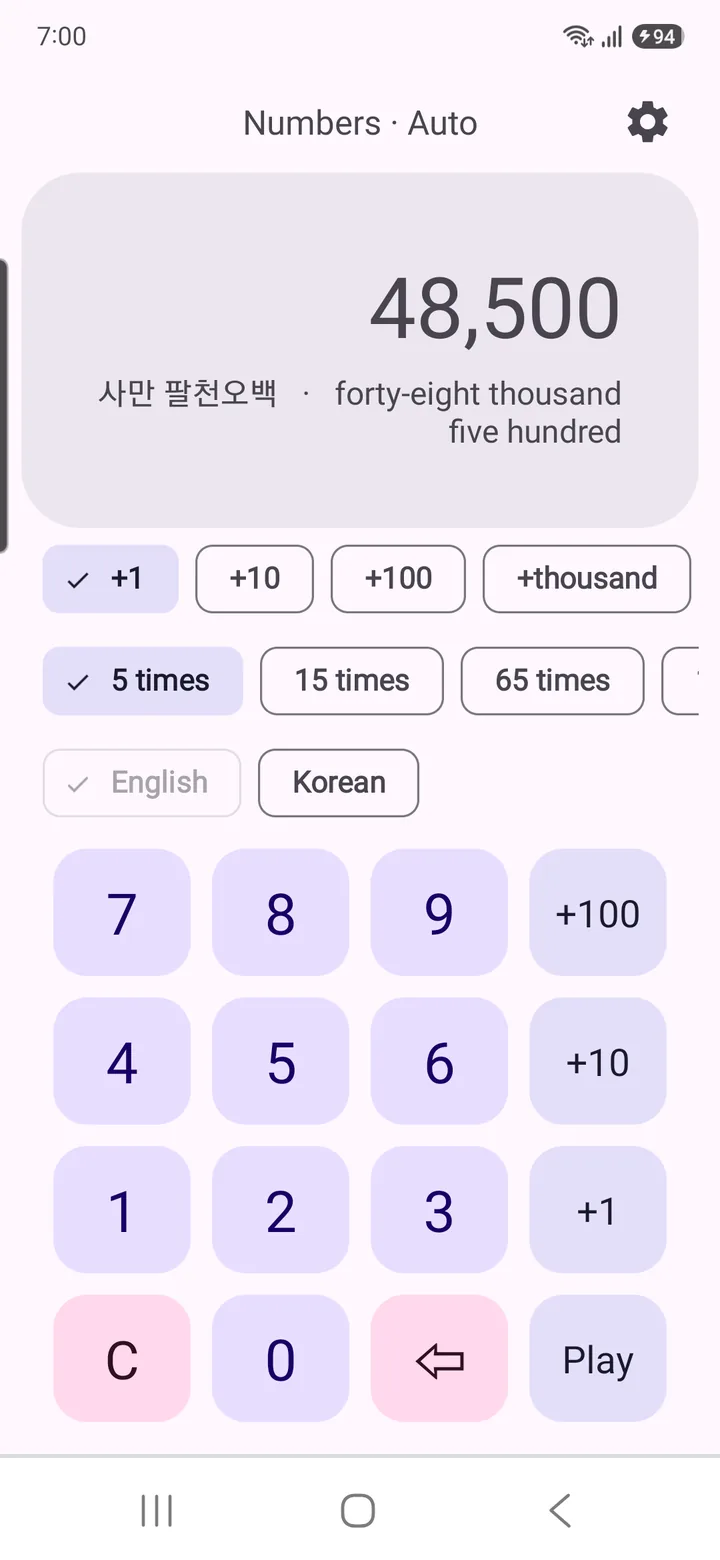
English groups digits by three (thousand · million · billion); Korean groups by four (만 man · 억 eok · 조 jo). Every value appears in both on one line — 48,500 shows as "사만 팔천오백 · forty-eight thousand five hundred." Set a start, press play, and the number climbs while the voice keeps up.
- Step — +1, +10, +100, +thousand … up to billions
- Repeat — 5, 15, 65 or 115 times
- English always on; turn on Korean to hear Korean then English
Ordinals · Fractions
11th, 12th, 13th,
and three fifths
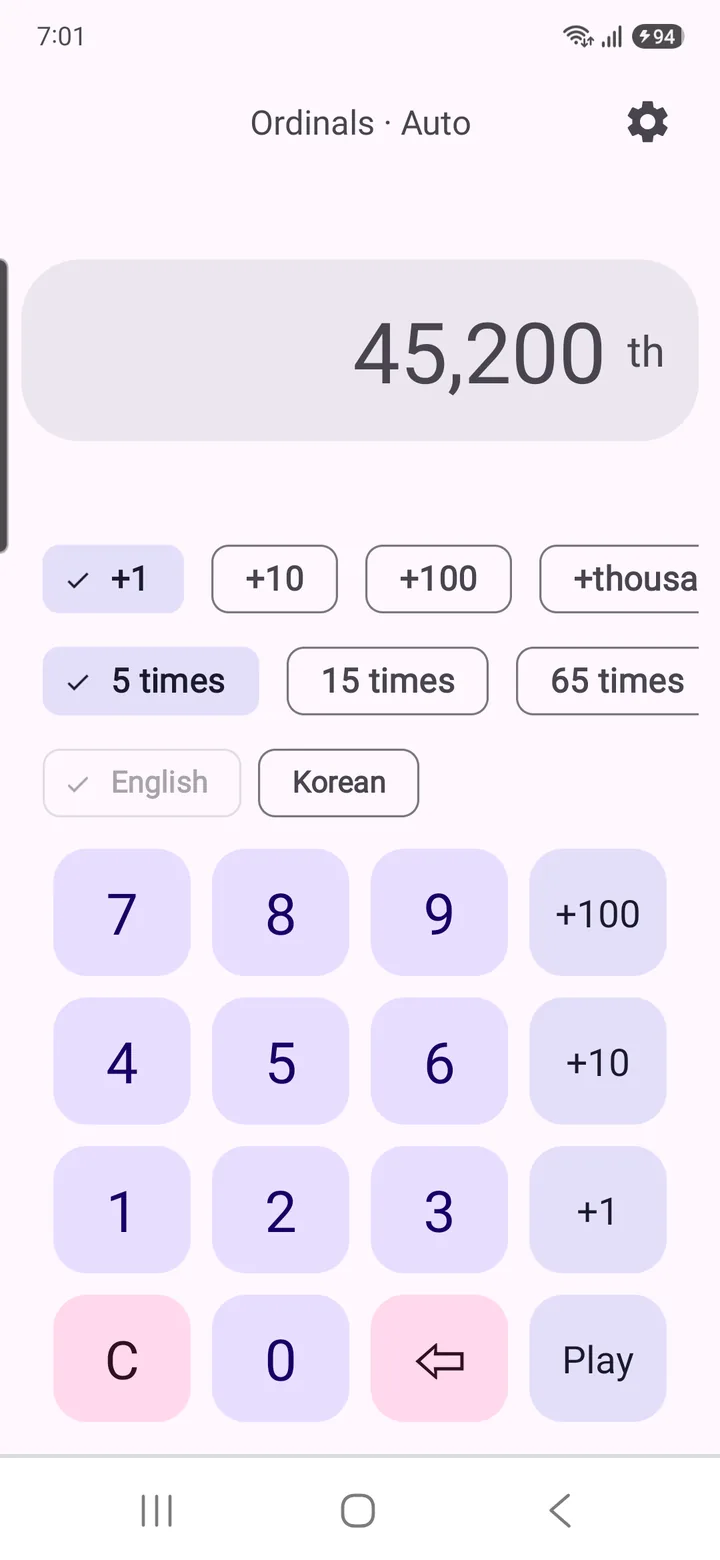
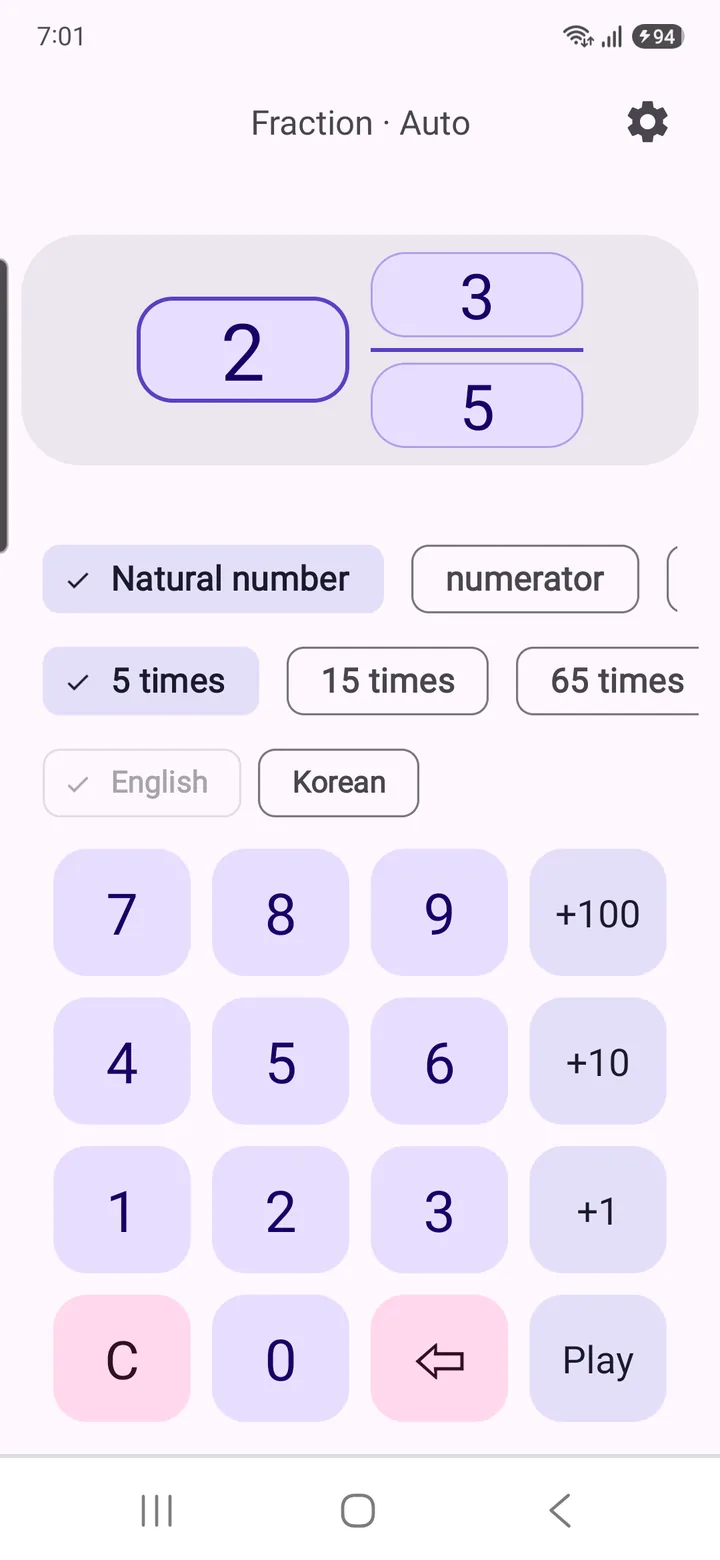
Ordinals are full of exceptions, and fractions follow the cardinal-over-ordinal rule. The app reads both correctly.
- -st / -nd / -rd / -th, first · second · third, 11th · 12th · 13th, large ordinals like 45,200th
- Three parts — natural number · numerator · denominator — "3/5" as "three fifths"
- Mixed numbers add and — "8 and 3/5"; the Korean reading ("5분의 3") alongside
Dates · Time
the first of April
twenty twenty-six
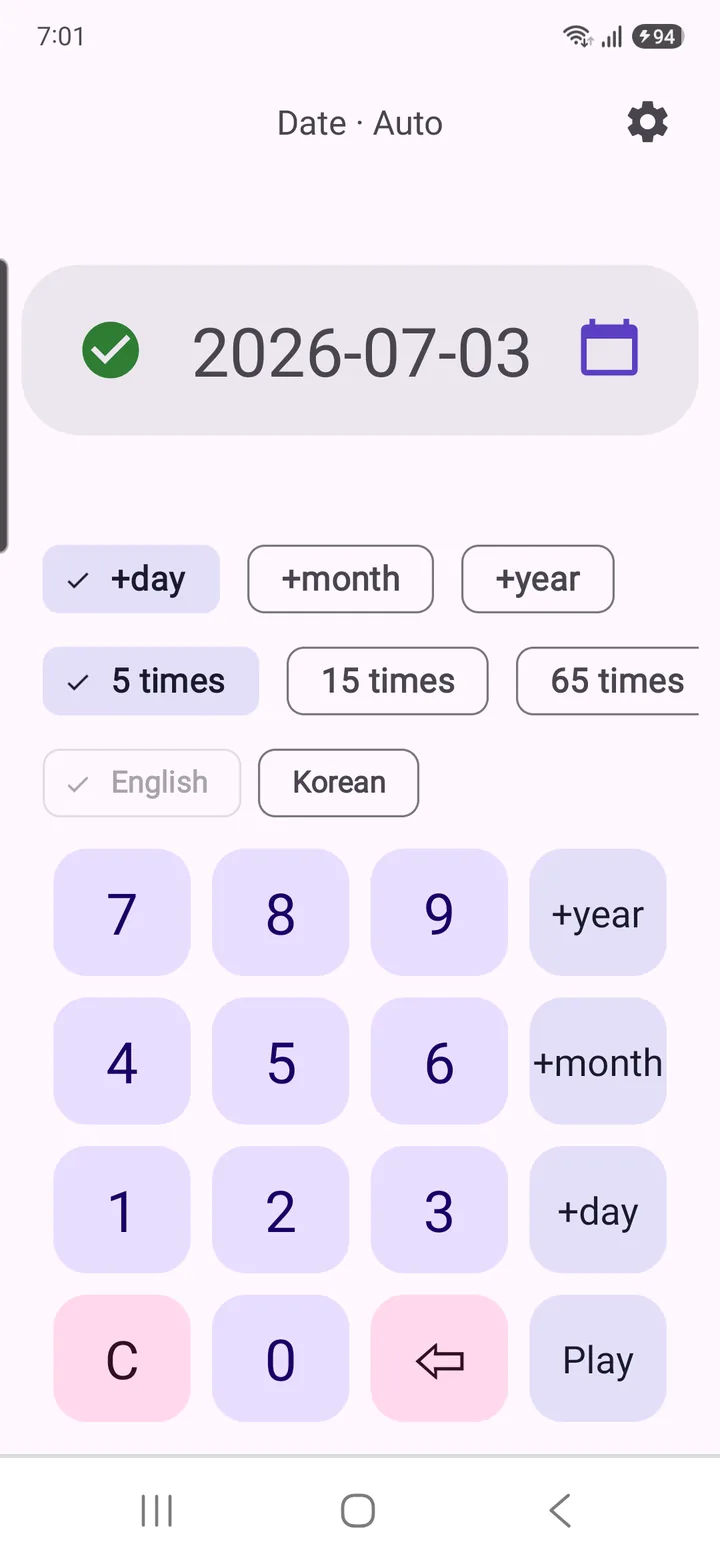
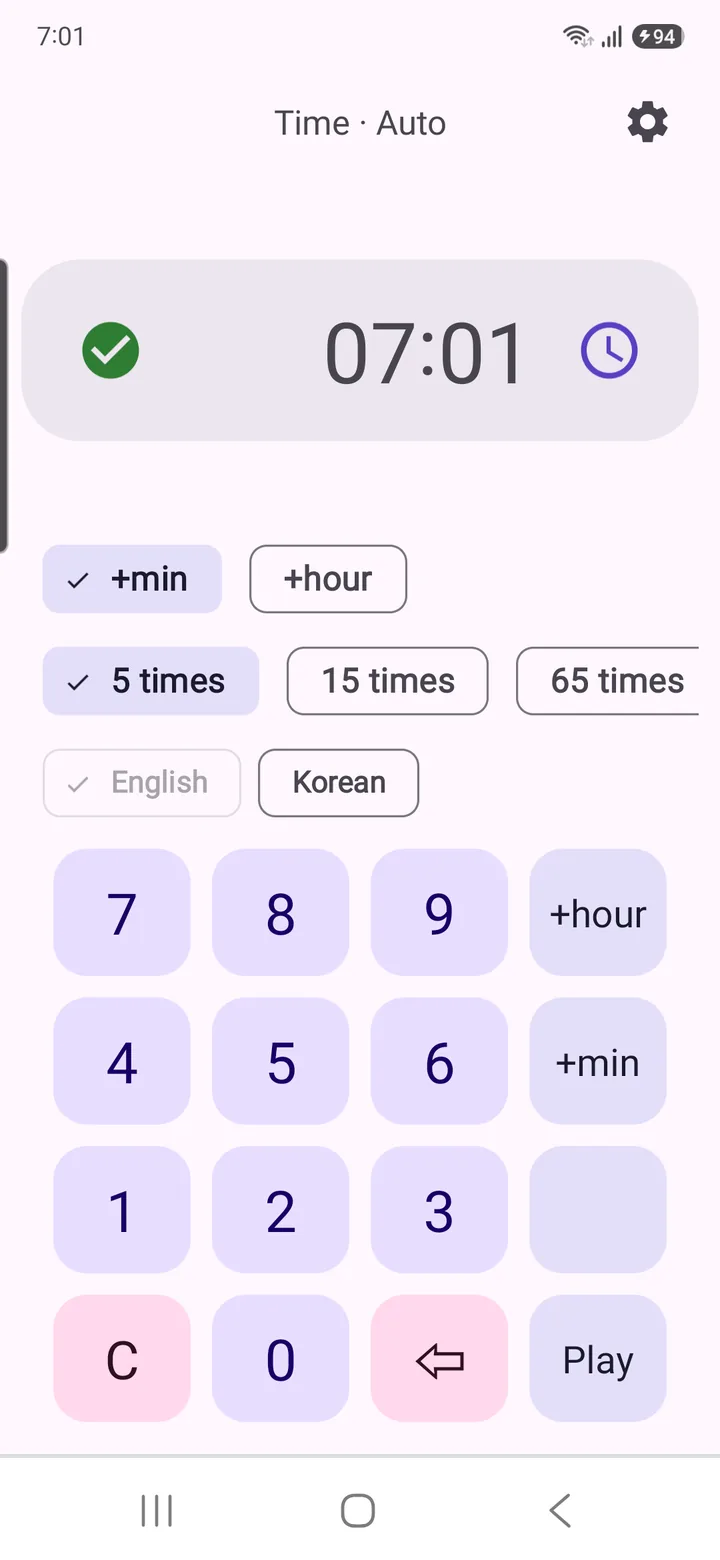
Dates are read as "the <ordinal> of <month> <year>"; on the hour, time reads "o'clock," otherwise hour then minutes. The year is the hard part, and it's read the natural way.
- 2026 → "twenty twenty-six", 2010 → "twenty ten", 2000 → "two thousand"
- Type it or pick from the calendar · clock; the Korean reading is shown next to it
- On Auto, step by +minute / +hour to hear time expressions on repeat
Settings
Fine-tune the voice
until it sits right
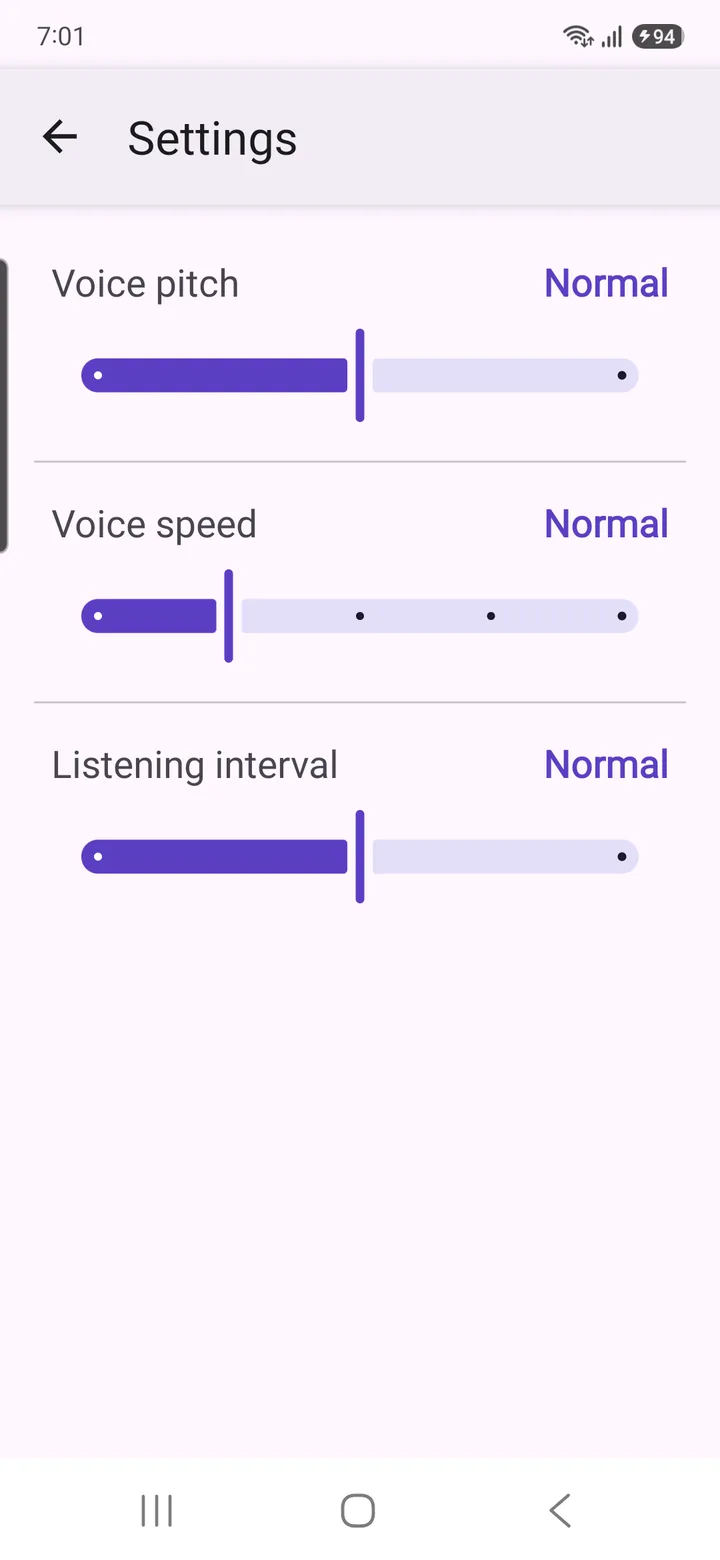
Adjust the reading until it sits comfortably in your ear.
- Voice pitch — a little lower / normal / a little higher
- Voice speed — five steps, from slow to very fast
- Listening interval — long / normal / short pause before the next number
See all features Once mode · Why numbers trip you up
Once mode
- Type a value and hear it once, in Korean or English
- Break a big number into digit groups to hear exactly where it splits at million and thousand
Why numbers trip you up
- Different grouping — every three digits in English, every four in Korean ("48,500" is "사만 팔천오백")
- Irregular ordinals — first, second, third, plus 11th/12th/13th
- Set phrases — "the first of April", "o'clock", "three fifths" look different from the digits
What you need — device voices (TTS)
- Pronunciation uses your device's TTS engine — Korean and English voice data both needed
- If a voice is missing, the app jumps to your system TTS settings or the Google voice install
- Check the status any time at the top of the home screen
Start right away
- No sign-up — open it and start
- Korean and English readings shown together
- Spoken in both languages
App info
- Android · iOS
- Requires Korean and English device voice (TTS) data
- Free (with ads, no in-app purchases)
Hear numbers in two languages
No sign-up — open it and start.
Free · With ads · No in-app purchases · Android · iOS · Device TTS required